
Space Communications in Your Hand: Tracking and Working Amateur Satellites with App-Defined Radio
Working the Birds: Why Space Comms is the Ultimate Playground for Radio Geeks Let’s be honest: there is nothing quite like the adrenaline rush of pointing a homebrew Yagi antenna at a seemingly empty patch of sky, pressing the PTT, and waiting for your callsign to bounce back from the International Space Station (ISS) cruising at 17,000 mph. But traditionally, "working the birds" was a sport reserved for the elites. You had to lug a laptop to the field to run orbital tracking software, manually calculate the elevation angles, and frantically spin your radio’s dial with cold fingers to combat the relentless Doppler Shift frequency drift mid-pass.
Modern App-Defined Radio (ADR) setups are throwing the old barrier to entry out of the window. By bridging a smart transceiver with a dynamic, localized mobile flight deck, everyday hams are pulling off successful satellite QSOs, decoding orbital image transmissions, and earning official space telemetry awards on a minimal, ultra-portable field setup.
1. Stop Spinning the Dial: Automatic Doppler Shift Tracking
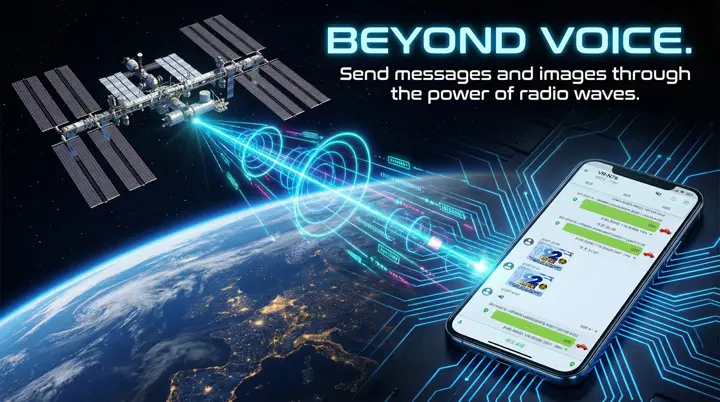
Low Earth Orbit (LEO) satellites like SO-50, AO-91, or the Tevel series are moving fast—about 7.5 kilometers per second. Because of this massive relative velocity, the frequency of their signals compresses as they fly toward you and stretches as they move away. During a brief 10-minute pass window, this Doppler Shift will easily throw you off-frequency if you stay static.
Instead of trying to hold your Yagi antenna with one hand while using your other hand to constantly spin a slippery tuning dial, the VGC VR-N76 leverages your phone's brain. Via Bluetooth, the companion **HT APP** connects directly to the radio, reads your precise GPS location, and matches it with real-time orbital data. As the satellite moves, the app dynamically shifts your VFO frequency on-the-fly. Your hands stay free to aim the antenna, while the radio keeps you perfectly on center channel.
2. The Perfect Flow: Mastering One-Handed Satellite Passes
Because handheld radios like the VR-N76 operate in dual-watch simplex mode rather than true hardware full-duplex, you won't be listening to yourself talk mid-transmission. But when the downlink FM squelch opens up, timing is everything. You need to be fast, and you need a setup that doesn't feel like wrestling an octopus.
This is why experienced portable operators run a wired speaker mic or a rugged earpiece plugged straight into their HT. Wireless consumer ear buds are infamous for adding Bluetooth lag, which can ruin your timing during a chaotic satellite pileup. By keeping your radio secure in a pouch or on your belt, you plug in a zero-latency wired mic. One hand aims the Yagi antenna, while your other hand grips the speaker mic, pressing the physical PTT to blast your callsign. The instant you release the PTT button, the crisp, zero-delay downlink audio floods your earpiece, letting you instantly know if you've made the contact.
Ready to Program Your Splits? Want to map out your uplink and downlink VFO offsets and input active sub-audible CTCSS tones for the next ISS pass? Read our complete, fully illustrated setup guide: How to Track and Connect Satellites with VR-N76 & VR-N7600 →.
3. Catching Space Postcards: ISS SSTV Decoding and Official Certificates
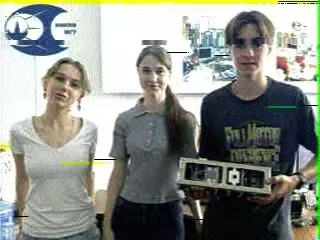
If you think voice contacts are satisfying, wait until you try decoding SSTV (Slow Scan Television) images dropped directly from the heavens. During special event weeks, ISS astronauts broadcast commemorative, full-color space mission badges and photos on 145.800 MHz FM. Receiving these images is like scratch-card gaming for radio geeks—watching a piece of space history slowly render on your smartphone screen, line by line, is pure magic.
But the real fun begins after the pass. The Amateur Radio on the International Space Station (ARISS) group runs global submission events during these broadcasts. By recording the chirp-like audio via the VR-N76’s direct Bluetooth audio link to a decoding app (like Robot36 for Android or SSTV for iOS), you capture a clean, high-resolution image. You can then submit your decoded space image to the official ARISS portal. If your image is validated, ARISS will award you a personalized, official commemorative certificate—the ultimate badge of honor to show off in your shack or local ham club.
4. Digital Postmarks via the ISS Packet Digipeater
Beyond voice and pictures, the space station also acts as a high-altitude digital packet radio digipeater. When the ISS passes over, you can bounce APRS location coordinates and short text packets off its receiver. Seeing your station's callsign suddenly map onto a live global tracking database via an orbital relay is a massive milestone for any portable operator.
Typically, decoding packet radio requires hooking up sound card interfaces, cables, and software on a laptop in the field. The VR-N76 bypasses that bulk with its integrated KISS TNC hardware modem. The radio's internal chip handles the heavy lifting of demodulating the AX.25 digital packet waves. It sends the clean decoded telemetry, text beacons, and APRS coordinates straight to your smartphone screen over Bluetooth. It's the ultimate clean, lightweight digital space station in a single hand.
Space Comms FAQ (Quick Tips)
Q: How do I decode SSTV images from the ISS to get my ARISS Certificate?
A: Tune your VR-N76 to 145.800 MHz FM during an active ISS SSTV event pass. Pair your phone to the radio's Bluetooth audio channel and run an app like Robot36 (Android). The app captures the audio stream directly to render a clean image. Once decoded, submit your saved image to the official ARISS award site to claim your commemorative certificate.
Q: How does a dual-watch simplex radio handle Doppler shift efficiently?
A: Since you can't transmit and receive simultaneously on a simplex device, the app-defined system automates the VFO switching. The connected smartphone APP dynamically calculates the orbital path and updates the radio's dual-frequency memory offsets in real-time. This ensures that the moment you release the physical PTT button, you are immediately listening on the exact drifted downlink channel.
Recommended SATCOM Station Hardware:
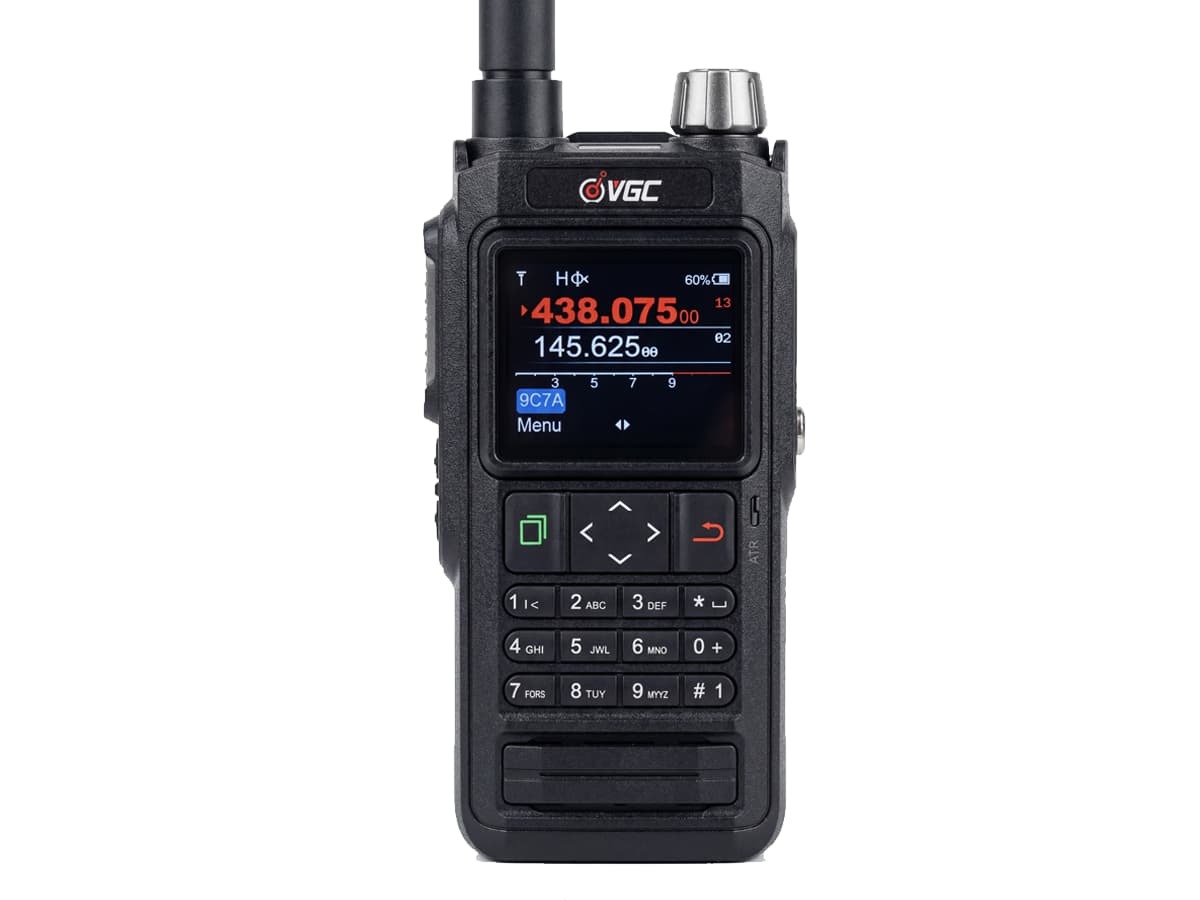
VR-N76 Smart HT
5W Smart HT featuring integrated GPS, a hardware KISS TNC packet engine, and real-time app Doppler tracking automation.
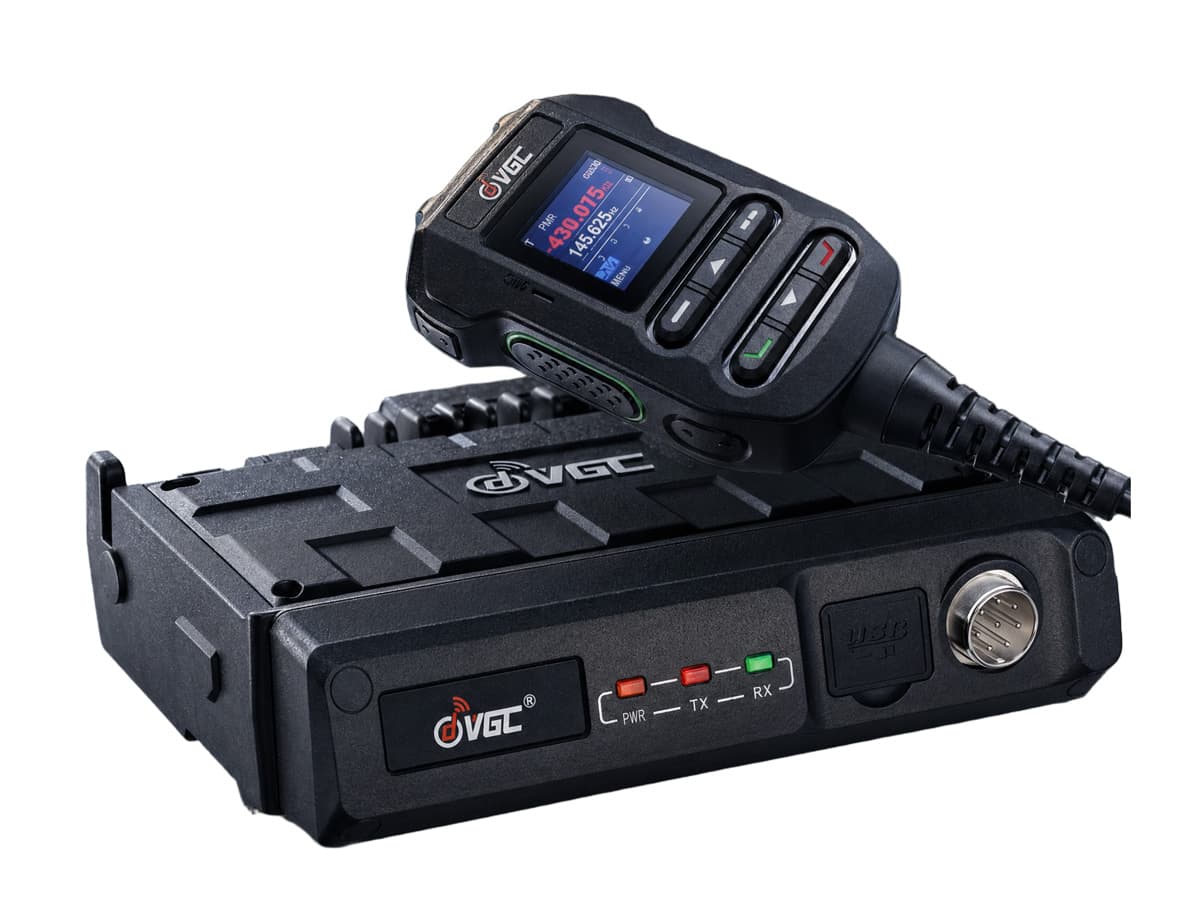
VR-N7600 Mobile Radio
50W Output power. Delivers raw punch to easily clear heavy obstacles and hit distant LEO satellites from your mobile deck.
Secure Your Off-Grid Aerospace Communication
Explore heavy-duty, app-defined radio frameworks engineered to simplify complex satellite tracks, Doppler compensations, and long-range orbital arrays.
Technical Documentation Database © 2026 | Full-Stack App-Defined Aerospace Communication Systems