
Satellite Setup Step-by-Step: VGC N-Series Mastery
With the release of Firmware v0.9.2, the VGC N-Series (VR-N76, VR-N7600) now features advanced orbital telemetry. This guide walks you through the precise setup process using the HT App, ensuring you never miss a satellite pass.
Critical Note: Half-Duplex Operation
Please be aware that VGC N-Series radios are Half-Duplex devices. Unlike expensive full-duplex satellite rigs, you cannot hear your own downlink audio while transmitting. Precision timing and "listen-before-talk" are essential for successful contacts.
Step 1: Connect Your Device to the HT App
Satellite logic is handled by the app, not the radio's standalone hardware. Your first step is to establish a secure link:
- Pair your VR-N76 or VR-N7600 to your smartphone via Bluetooth using the HT App.
- Ensure your radio is updated to Firmware 0.9.2 to unlock new antenna and distance telemetry.
Step 2: Locate the Satellite (Name or NORAD ID)
Open the Satellite page in the app. If you cannot find a satellite by its common name, use its official identifier:
- Search by Name: Enter common names like "ISS" or "SO-50".
- Search by ID: If the name doesn't appear, use the satellite's unique NORAD ID (Catalog Number) to search. This ensures you are tracking the correct orbital data.
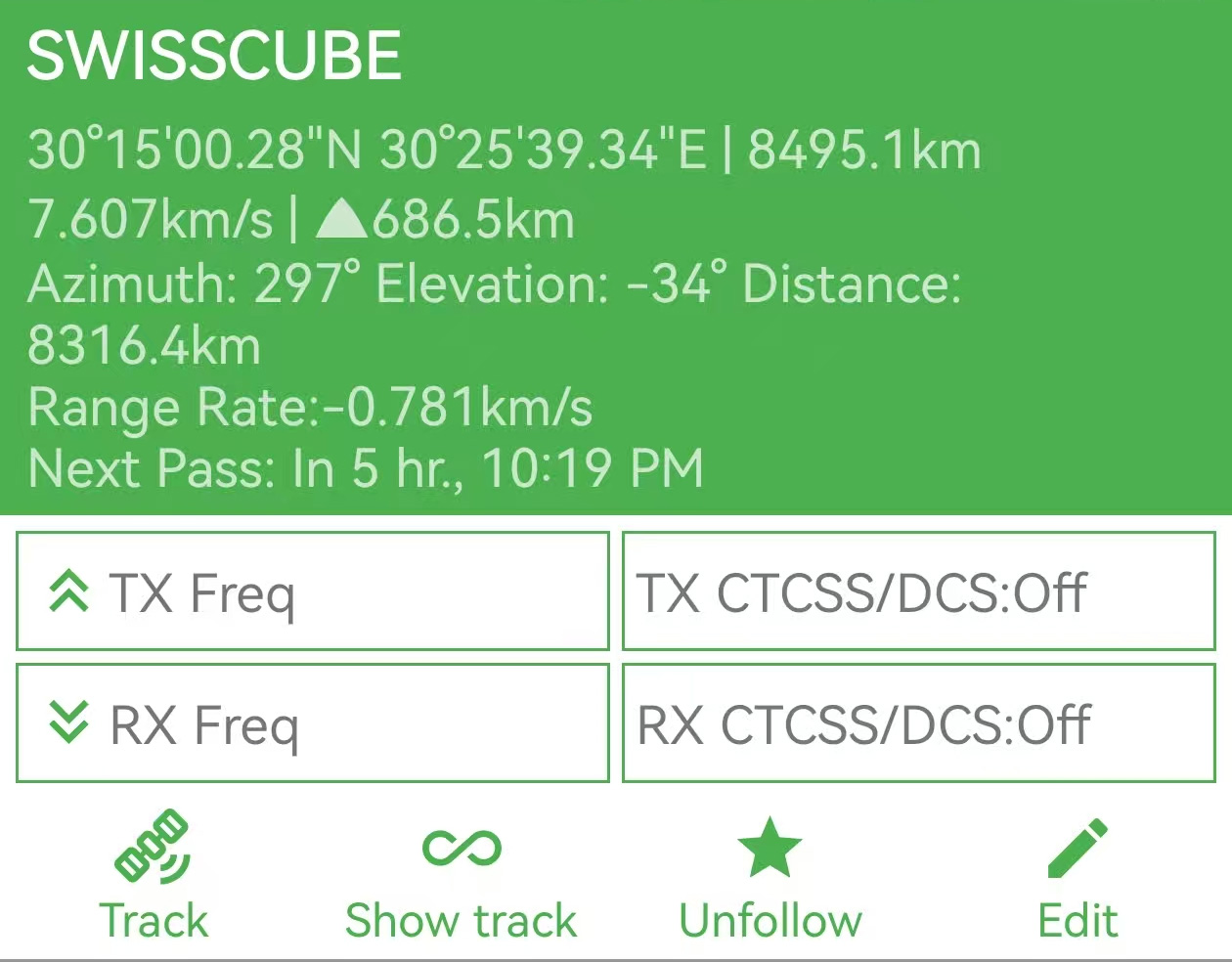
- Initiate Tracking: Once the satellite is selected and frequencies are confirmed, click to start the tracking program. The app will automatically sync with the radio to manage Doppler Shift frequency adjustments.
Pro Tip: Popular NORAD IDs for 2026 Tracking
If you can't find the satellite by name in the HT App, use these IDs:
- ISS (ZARYA): 25544
- SO-50 (SAUDISAT 1C): 27607
- AO-91 (RadFxSat): 43016
Step 3: Hardware Adjustments (Antenna & Squelch)
Firmware 0.9.2 adds specific fields for antenna orientation. Use the real-time Azimuth (AZ), Elevation (EL), and Distance data to guide your setup:
- Antenna Polarization: Depending on the satellite's orientation, adjust your antenna on the radio settings to either VP (Vertical Polarization) or HP (Horizontal Polarization).
- Zero Squelch: For the best chance of hearing faint signals from space, set your Squelch level to 0. This opens the audio path fully, allowing you to catch weak packets or voice transmissions.
- Aiming: Follow the app's Azimuth and Elevation dials to keep your antenna pointed at the satellite's current position as it crosses the sky.
2026 Reference: Best FM Satellites
| Satellite | Uplink (TX) | Downlink (RX) | PL Tone |
|---|---|---|---|
| ISS (Repeater) | 145.990 MHz | 437.800 MHz | 67.0 Hz |
| SO-50 | 145.850 MHz | 436.795 MHz | 67.0 Hz |
| AO-91 | 435.250 MHz | 145.960 MHz | 67.0 Hz |
Upgrade Your Satellite Game
The VR-N76 and VR-N7600 provide the tools you need for advanced tracking in the palm of your hand.
Explore the VGC N-Series Collection