
BHM-88 Firmware Update Logs
Jun 8, 2026
💡 Upgrade Tips
|
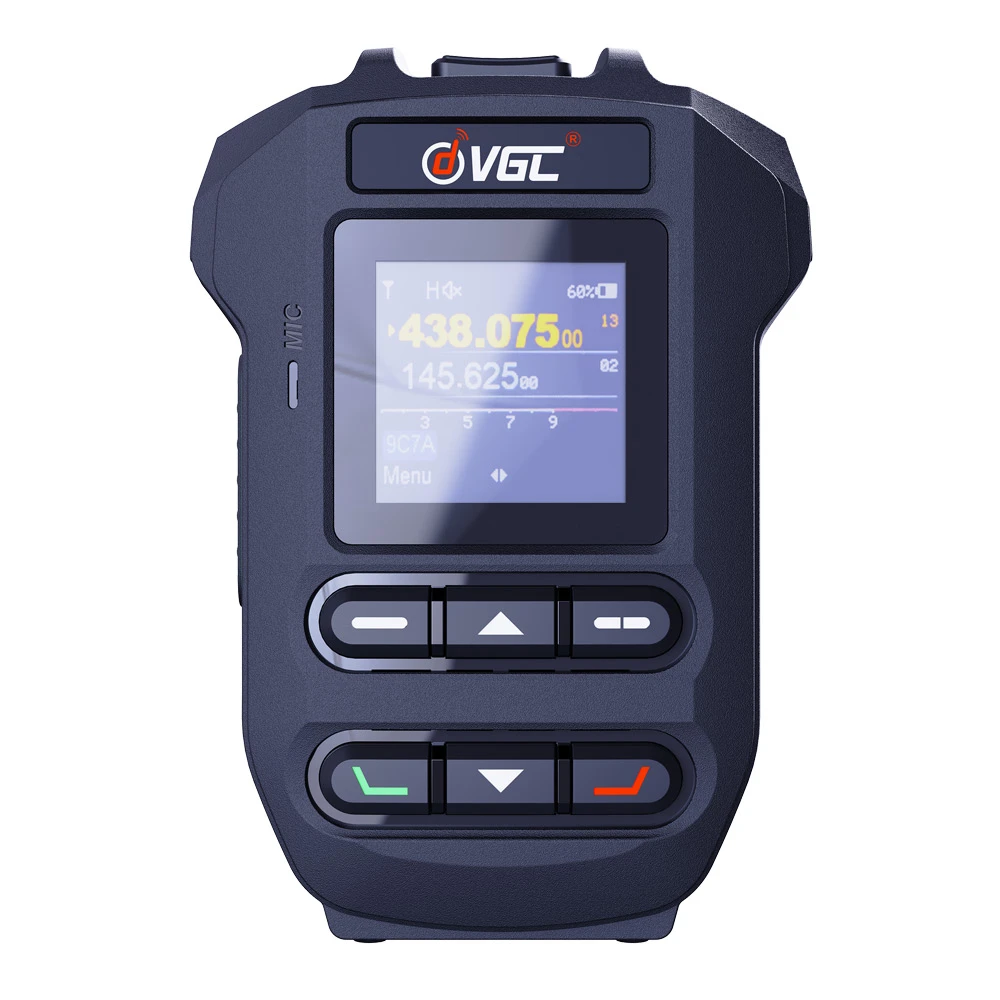
BHM-88 FIRMWARE CHANGELOG
Version 0.3.10-1 Official Release
Release Date: 2026-06-08| New Features |
|
| UI & Optimizations |
|
| Bug Fixes |
|
💡 This update is officially pushed worldwide via OTA. Simply connect your BHM-88 to the VERO HT App via Bluetooth to automatically receive the update prompt—no invitation codes required.
Version 0.3.7 (Build 55)
Release Date: 2026-03-26| GPS Fix | Fixed an issue where GPS latitude and longitude were not saved correctly when they were negative values (affects devices with GPS module and display). |
Version 0.3.6 (Build 54)
Release Date: 2026-03-26| PTT | Added YAESU mode support for the PTT function and PTT mode switching option in the main menu. |
| System Fix | Fixed device settings corruption due to array bounds access error. Resolved issues with abnormal floating-point number printing. |
Version 0.3.4 (Major Release)
Release Date: 2025-06-18
🚀 New Features:
- Area Name & Satellite Mode Support
- Language & Time Zone Sync
- Frequency Offset Modification
- Speaker icon visual indicator
🎮 UI & Navigation:
- Channel/VFO toggle via Up/Down buttons
- Main/Sub channel switch (Right Soft Key)
- Fixed edited frequency saving issues
- Company Info
- Feedback
- Customer Reviews
- About Us
- Contact Us
- User Center
- Forget Password
- My Orders
- Tracking Order
- My Account
- Register
- Payment & Shipping
- Customs & Taxes
- Locations We Ship To
- Shipping Methods
- Payment Methods
- Company Policies
- Return Policy
- Privacy Policy
- Our Guarantee
- Infringement Policy
- Sitemap
- Contact Us
Add: No.4 Chongmin St. Qingmen Economic development zone, Quanzhou,PRC 362006
Tel: 86-595-2249 6660
Email:info@verotelecom.com
Copyright © 2006-2026 VEROTELECOM INC. All Rights Reserved.